Phoalis
Phoalis - Loudness Curve Matching Engine
Log in to earn points with this purchase
Overview
Phoalis — Loudness Curve Matching Engine
We strongly recommend testing the demo version in your environment to ensure compatibility before purchasing.
※ Account login or free registration is required to download the demo version.
🔑 Log in / Create Account to Get Free DemoIf you're updating from version 1.1, re-activation is required. Before updating, please confirm your serial number using one of the following methods:
- Open the About window in your current plugin and note/copy the serial number
- Check the email you received at the time of purchase
- Log in to our website and check "My Plug-ins"
Important Parameter Notes:
- Knob positions and settings reset: Parameter settings will be reset. If you want to keep your current settings, please save them as a DAW preset before updating.
- GAIN MATCH AUTO behavior: Version 1.1 did not include the GAIN MATCH AUTO button, so presets saved in v1.1 will load into v1.2 with GAIN MATCH AUTO turned off by default. If needed, turn it back on and re-save your preset.
- Resetting Knobs via Option+Click: Option+click to reset a knob does not auto-trigger AUTO MATCH. Please click AUTO MATCH manually after resetting.
- Added AAX support for Pro Tools.
- Fixed an issue affecting gain changes on the GAIN MATCH button.
- Added AUTO mode to GAIN MATCH. With AUTO enabled, adjusting AMOUNT, MAGIC FLOW, or NATURAL and then releasing the control will automatically and instantly bring the level closer to the analyzed source.
- Added RTO (Rent-to-Own) support.
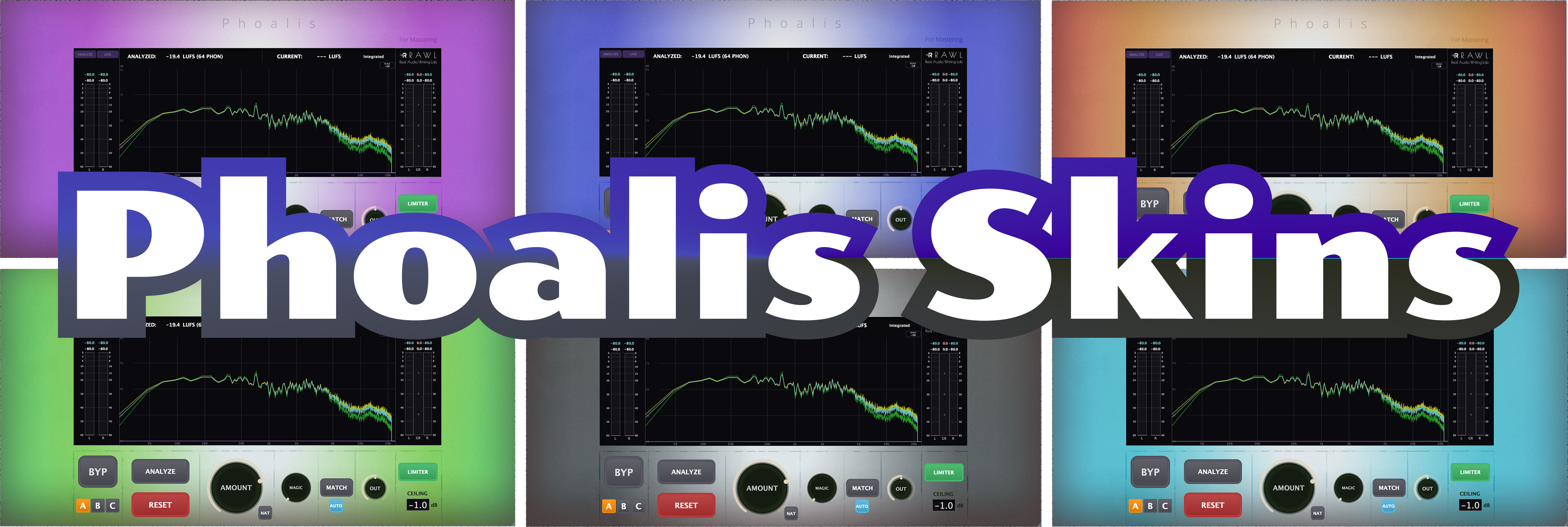
- Added optional add-on skins support (sold separately).
- Minor fixes, including tooltip improvements.
🎧 OVERVIEW
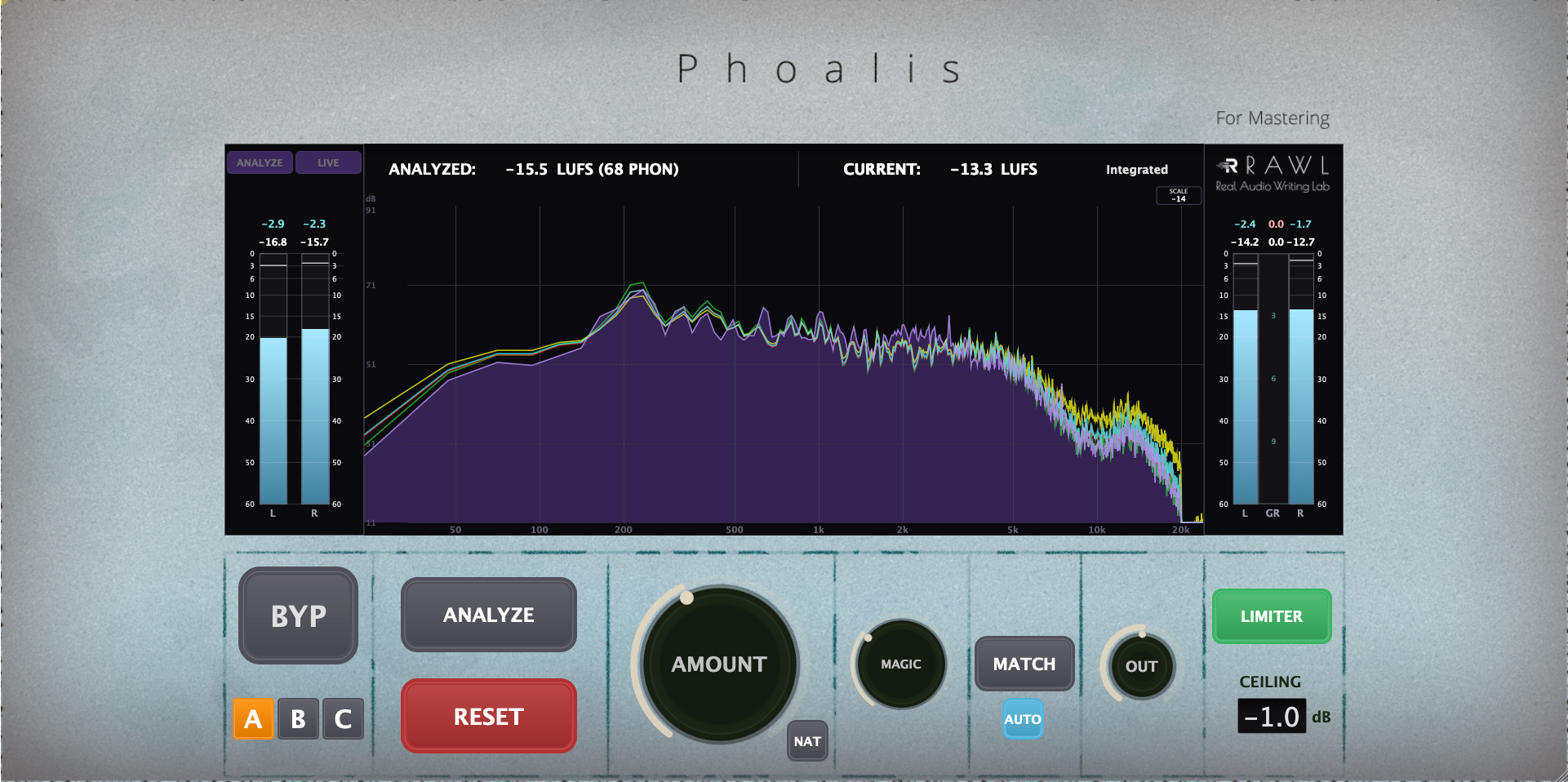
Phoalis analyzes your source material and calculates the gap between its tonal profile and an ISO 226-based ideal equal-loudness curve—allowing you to close that gap by ear and by eye.
- MAGIC FLOW: RAWL's proprietary processing, entirely independent of the ISO 226 curve, further balances dynamics and space for a richer, more cohesive result.
- Real-time 4-Curve Analyzer: Displays up to four curves (PROFILE, IDEAL, AFTER, MAGIC) directly in the display, ensuring tonal decisions are never made blind.
🛡️ INSTALLATION & SECURITY
As an independently developed tool, your operating system may show a "developer cannot be verified" warning. This is standard for independent software and contains no malware.
macOS: Right-click installer → Select "Open" → Click "Open" again.
(macOS Sequoia: System Settings → Privacy & Security → Open Anyway)
Windows: On blue SmartScreen → Click "More info" → Click "Run anyway".
💻 TESTED ENVIRONMENTS
| [macOS] |
Format: VST3 / AU / AAX Tested on: macOS 14 (Sonoma) Apple M1 / 16GB DAWs: Logic Pro 11, Studio One 6, Pro Tools Ultimate 2025.12.0 |
| [Windows] |
Format: VST3 / AAX (64-bit) Tested on: Windows 11 Intel Core i5 (9th Gen) / 16GB DAWs: REAPER v7.61, Pro Tools Ultimate 2026.4.1 |
📌 IMPORTANT NOTICE
- DAW Plugin List: The plugin will appear in your DAW list as "Phoalis".
- Demo Testing: Please ensure you test this demo version thoroughly in your system before purchasing.
- Refund Policy: Due to the digital nature of software, cancellations and refunds are not available.
- License Activation: After activating your license, please reload the plugin or restart your DAW to apply the changes. On initial activation, UI indicator updates may occasionally lag slightly depending on your environment, but this does not affect functionality.
- Resetting Parameters: When resetting parameters to default via your DAW's preset manager, sample loading may begin in the background. If you wish to stop loading, click the reset button on the plugin interface once more.
- Disclaimer: The author shall not be liable for any damages arising from the use of this software.
Motto: "Developing the tools that should exist, but don't."